iAmEvolving – Custom WordPress Platform
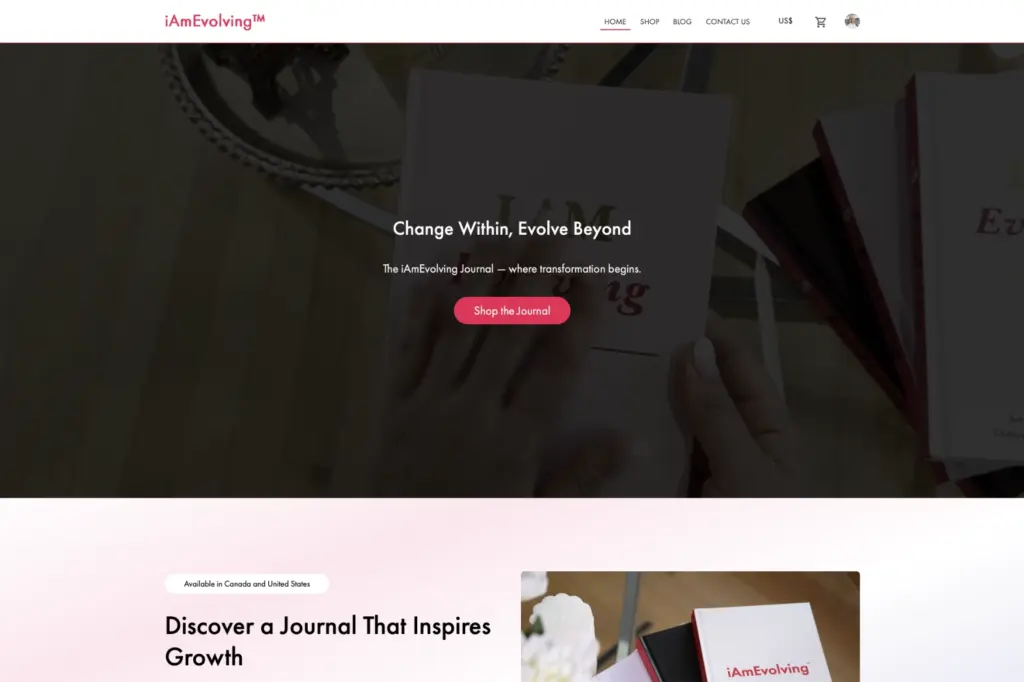
iAmEvolving

Most of our work starts with a site that already exists and already matters. It has rankings, content, integrations, editors who know it, and an audience that can find it. A redesign should not cost you any of that, and a surprising number of them do.
Not every dated site needs replacing, and a visual refresh is sometimes the whole job. These are the conditions where the problem is structural, and where a redesign that only changes the surface will be undone within two years.
Content goes stale because updating it is unpleasant. Pages get published in the wrong place because the right place is hard to find. When the editorial team starts routing around the CMS, the CMS is the problem.
A new landing page, a new section, a change to a list: all of it billable and all of it queued. The site was built as a set of fixed templates rather than as a system, and the organization pays for that monthly.
The information architecture describes the organization as it was five years and two reorganizations ago. Visitors cannot find things, internal search does not rescue it, and nobody wants to be the one to restructure it.
Slow, unstable layouts and poor mobile behaviour, usually from a theme carrying features the site does not use and a stack of plugins layered to compensate.
An obligation has arrived through a tender, a policy, a complaint or legislation, and the existing build cannot be brought to WCAG AA without rewriting the components anyway.
A large plugin stack, dependencies abandoned upstream, and updates that cannot be applied safely without breaking something. This is a security position as much as a technical one, and it usually cannot be unwound incrementally.
Core updates are deferred because the last one broke something. At that point the site is frozen, and freezing is not a maintenance strategy.
The site was built for a smaller organization, a shorter catalogue or a simpler workflow, and every requirement since has been bolted on. The cost of the next bolt-on now exceeds the cost of doing it properly.
The most expensive mistake in a redesign is treating it as a new website that happens to replace an old one. New URLs, restructured content, a fresh sitemap, and the accumulated search equity of ten years discarded at the moment of launch, followed by six months of explaining why traffic has not come back.
We rebuild in place. The existing URLs are inventoried before anything is designed, and they are either preserved or mapped to a single redirect with no chains. Content is migrated rather than retyped. The pages that are actually earning visibility are identified from Search Console data at the start, and they are treated as assets with a cost attached to changing them, not as legacy to be tidied up.
That constraint is what makes the ambitious parts affordable. With the structural risk under control, the design, the content model and the editing experience can change substantially without gambling the organization’s acquisition channel on it.
Every existing URL, its traffic, its impressions and its role, exported and reviewed before the structure is redrawn. Decisions about what moves are made with the numbers in front of everyone.
Where a URL has to change, the old address resolves to the new one in a single redirect. Redirect chains, soft 404s, removed content, broken internal links and poorly planned URL changes are common causes of avoidable search visibility loss during a migration.
Search and analytics baselines captured before launch, so that afterwards there is a real answer to whether it worked rather than an argument about impressions.
The sequence below is the shape of a full platform modernization. Smaller projects skip stages, and we will say which ones rather than charge for all of them. Each stage is estimated in writing before it starts.
What the organization needs the site to do, who uses it, who maintains it, what it integrates with, and what is genuinely broken as opposed to merely old. Stakeholder interviews and a technical assessment of the existing build.
An inventory of every page with its traffic, search performance, owner and condition, and a decision on each: keep, rewrite, merge, or retire with a redirect. This is the stage that most often changes the scope, usually downwards.
A structure built from what visitors are actually looking for and what the audit found, not from the organization chart. Navigation, hierarchy, taxonomy and the URL map come out of this stage together.
Templates and components designed as a system, with contrast, focus states and target sizes settled in the palette. Designed against real content from the audit rather than placeholder text.
Scripted content and media migration into the new model, the redirect map implemented and verified, and internal links rewritten. Run and re-run against staging until it is clean.
Functional testing, cross-browser and device testing, keyboard and screen reader testing, performance measurement, and a full crawl for broken links, redirect chains and missing pages.
Sessions with the people who will actually maintain the site, on the blocks and workflows they have, plus written guidance they can return to. Recorded where the team is distributed.
A planned cutover with the redirects live from the first minute, search properties updated, sitemaps resubmitted, and monitoring in place for 404s and crawl errors in the days that follow.
The first weeks are when migration problems surface. Crawl errors, redirect misses, indexing and search performance are watched against the baseline captured before launch, so anything the migration caused is found and corrected while the cause is still obvious.
Tell us what the current site does, what it cannot do, and what it must not lose. We will tell you whether it needs a redesign or a rebuild, including when the answer is the cheaper one.
A modernization is worth doing when it keeps what an established platform has already earned and replaces only the parts holding it back. These are the four things organizations most often lose on the way there, and each one is a decision rather than an accident. We treat all four as constraints on the project rather than as risks to be accepted.
URLs preserved where possible and redirected in one hop where not, with the pages that earn visibility identified from real data before anything moves. Nobody can promise you a position in the results. What we can do is remove the avoidable reasons a migration loses one.
Migrated in full, including media, metadata and the archive nobody remembers but somebody links to.
The editing experience is part of the scope. A redesign that makes the site beautiful and the CMS worse has failed at the thing the organization will feel every day.
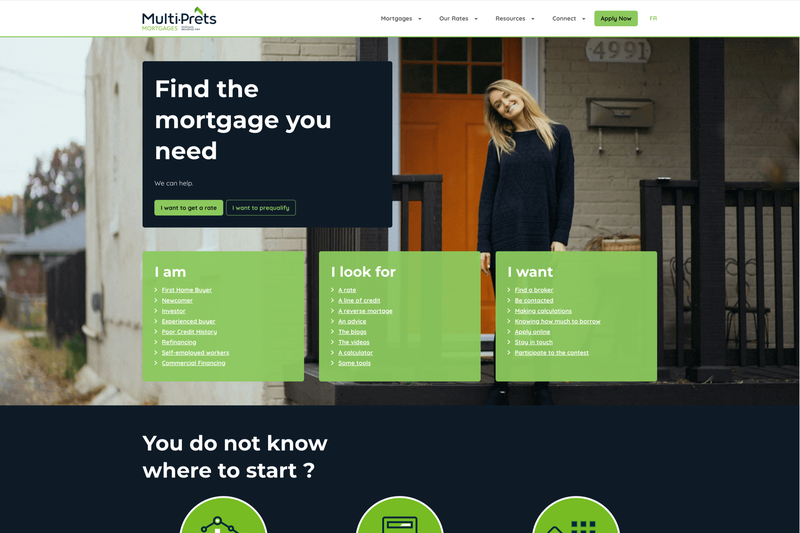
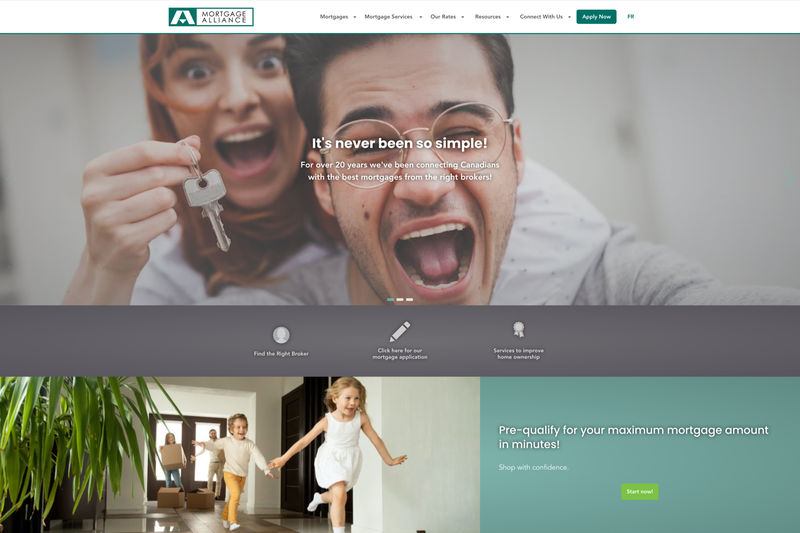
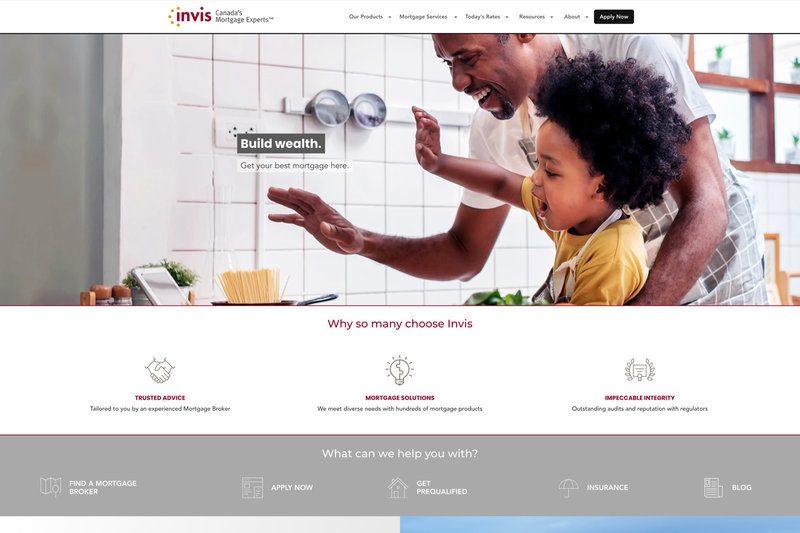
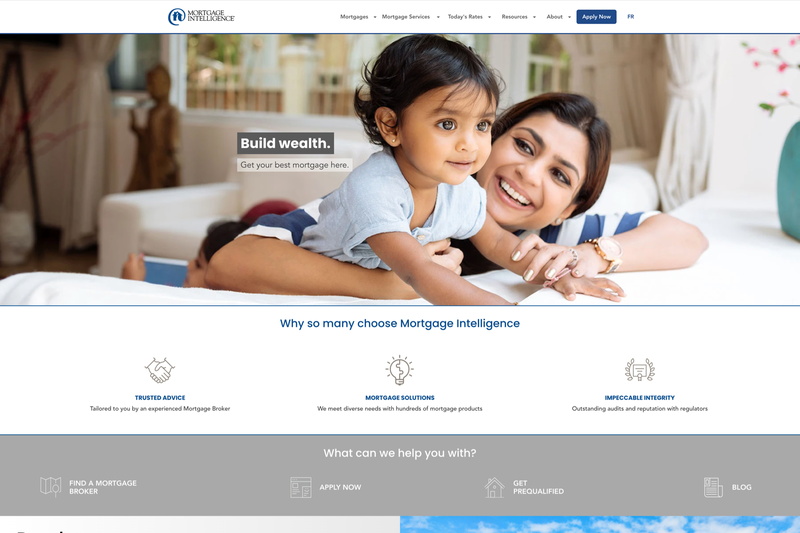
Multi-Prêts, Mortgage Alliance, Invis, Mortgage Intelligence and Intelligence Hypothécaire are five brands of the M3 Tech group, built on one shared codebase: a parent theme with a child theme for each brand. We took that codebase over from the previous agency and modernized it in place across a four year engagement, from 2021 to 2025. None of the five was relaunched as a new site.
The work shared across the group was a Gutenberg block library in the parent theme, custom post types for brokers, offices and franchises kept in sync with the client’s BOSS CRM over an authenticated API, seven mortgage calculators per brand, a Bootstrap 5 front end with per brand theming, and bilingual delivery through Polylang. Hosting was consolidated in one programme rather than five: Azure Web App to Azure VM, twelve servers down to two, and a Webpack build with CI/CD pipelines in place of the previous deployment. Page load went from sixteen seconds to under one.
Multi-Prêts, the largest of the five, carried more on top of that: fifteen brand specific blocks beyond the shared library, React admin interfaces for the broker, office and franchise records, a mega menu with broker specific link injection, and a separate broker sitemap for indexing.
Each of the five has a case study listing what was delivered on that brand and what it changed. The selection below also includes platforms we built from nothing, which is the useful contrast: a new build gets to choose its own URLs.
It can, and that is usually a choice made earlier in the project rather than an inevitability. Losses come from changing URLs without a complete redirect map, from redirect chains, from removing or thinning pages that were earning visibility, and from launching a structure nobody checked against real search data. We inventory URLs and search performance before the structure is redrawn, preserve what is earning, redirect in one hop where a move is necessary, and watch the first weeks against a baseline captured before launch.
Usually not, and the default is to keep them. Where the information architecture genuinely has to change, the move is deliberate, mapped, and worth more than the disruption it causes, and every old address resolves to its new one in a single redirect that stays in place permanently.
Sometimes. If the content model and the underlying build are sound, a design and template refresh is the right scope and we will say so. If the problems are in the content model, the plugin stack or the editing experience, a visual refresh buys eighteen months and leaves you here again. The assessment at discovery is meant to give you that answer honestly, including when it is the cheaper one.
It depends far more on content and integrations than on design. The content audit and migration are usually the longest stages, and the number of systems the site connects to sets the rest. We phase the work and estimate each phase in writing, so the timeline is built from decided scope rather than from an average.
It is inventoried, decided on page by page (keep, rewrite, merge or retire) and then migrated by script into the new content model with its media, metadata and internal links. Nothing is retyped, and nothing is dropped silently.
Yes, and it is common. Where a brand palette cannot meet AA contrast on interface elements, we will raise it early and propose interface variants rather than quietly shipping something that fails an accessibility review later.